 bisano
Standard
Everything in Bisano Queue
Contact us
- Kiosk for tickets
- Tickets on the phone
- Waiting room display
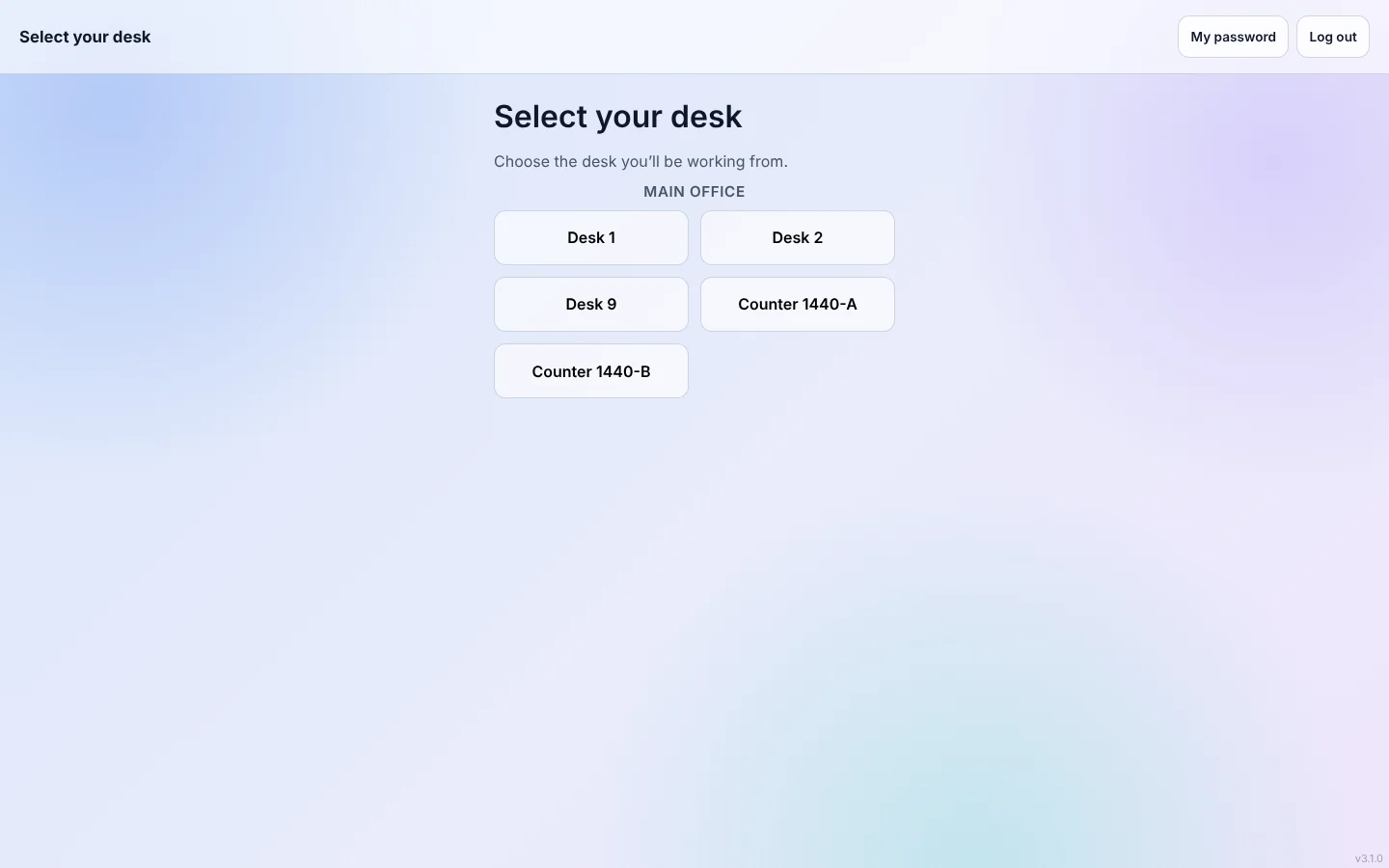
- Staff desk
Queue management
Customers take a ticket at a kiosk or on their phone, follow the queue on a display, and staff call the next customer with one tap.
Contact sales for a price · Free trial
What it does
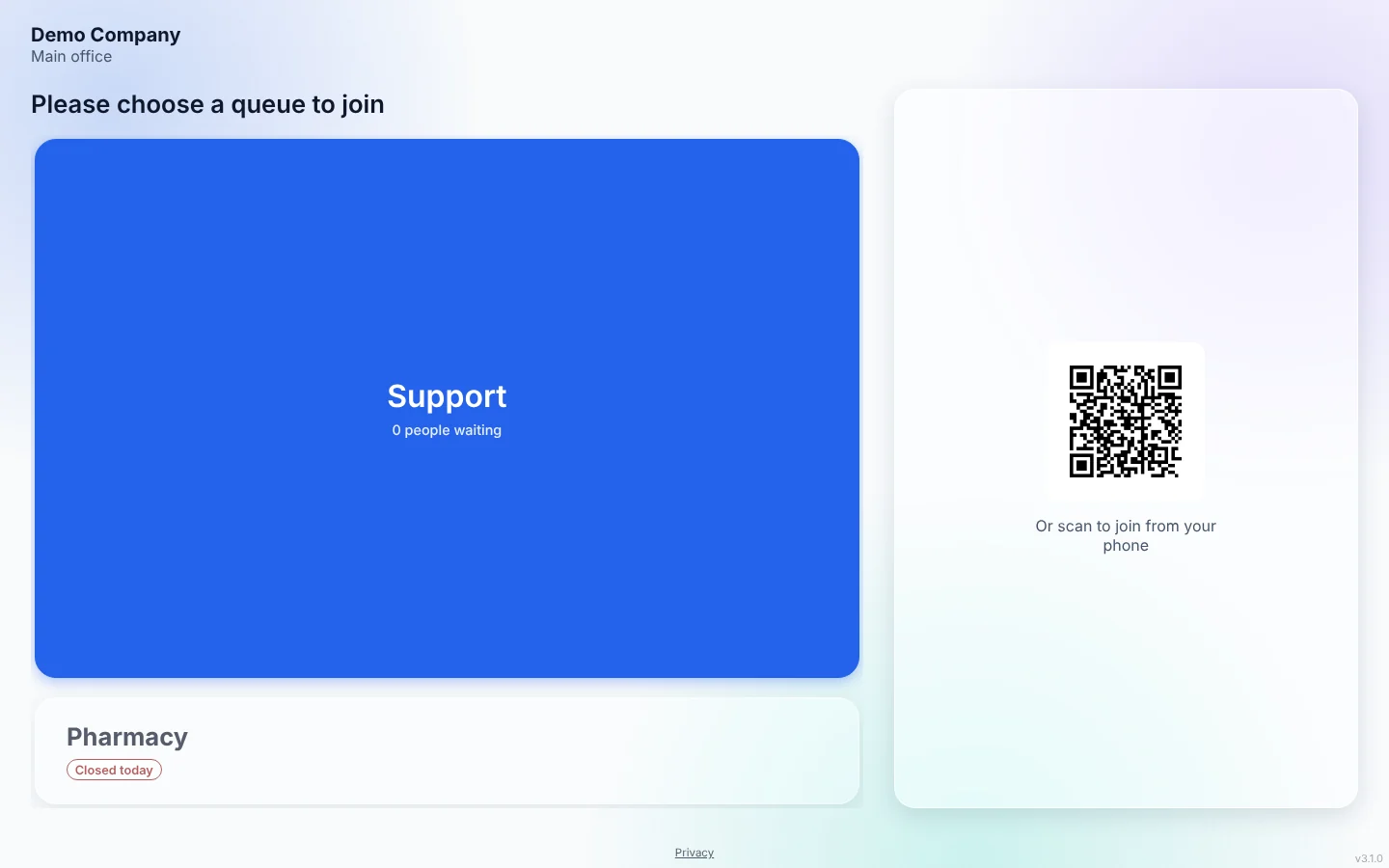
Customers pick a queue on a touch screen and get their number at once.
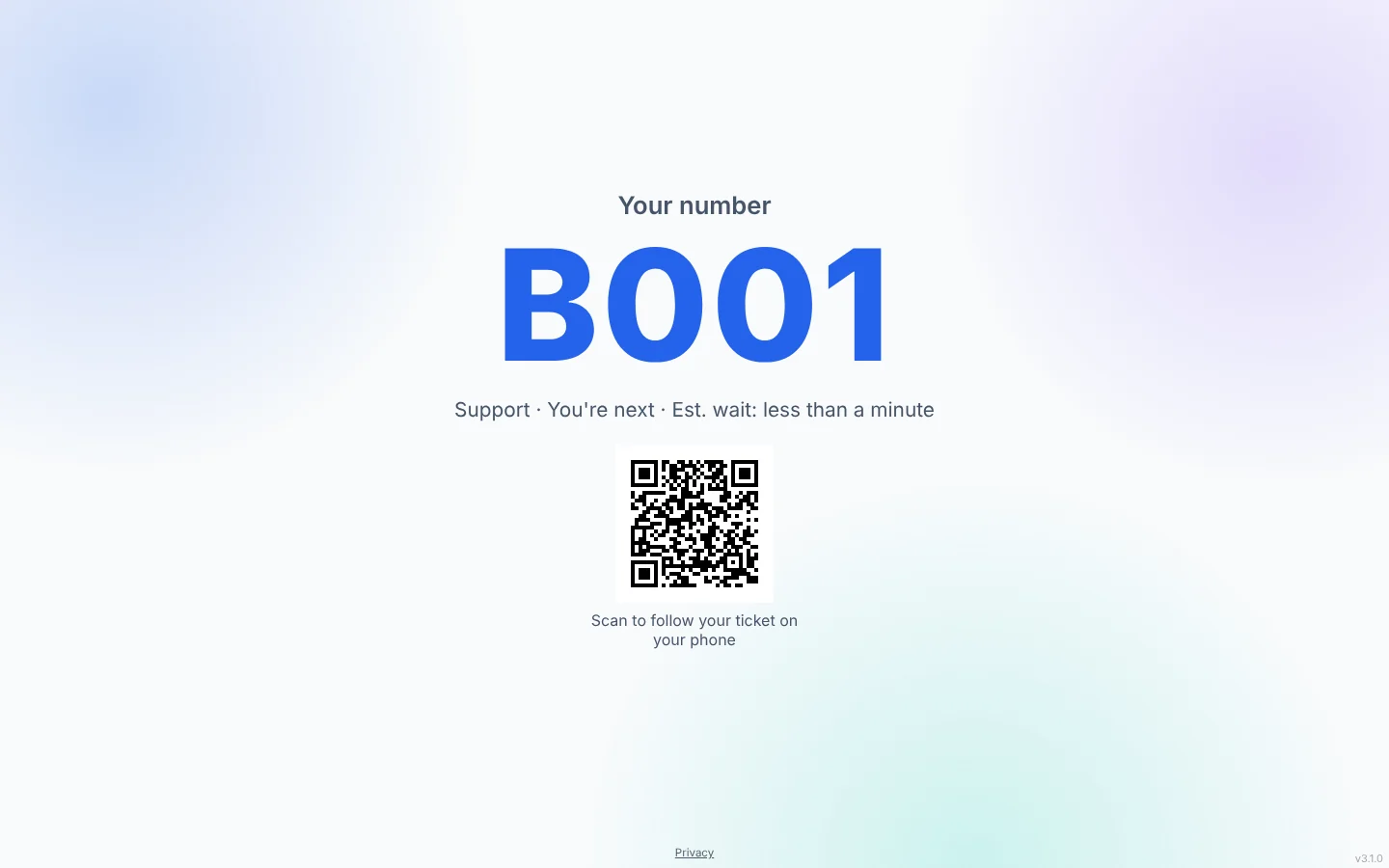
Scan the QR code at the kiosk to join the queue and follow your ticket on your own phone.
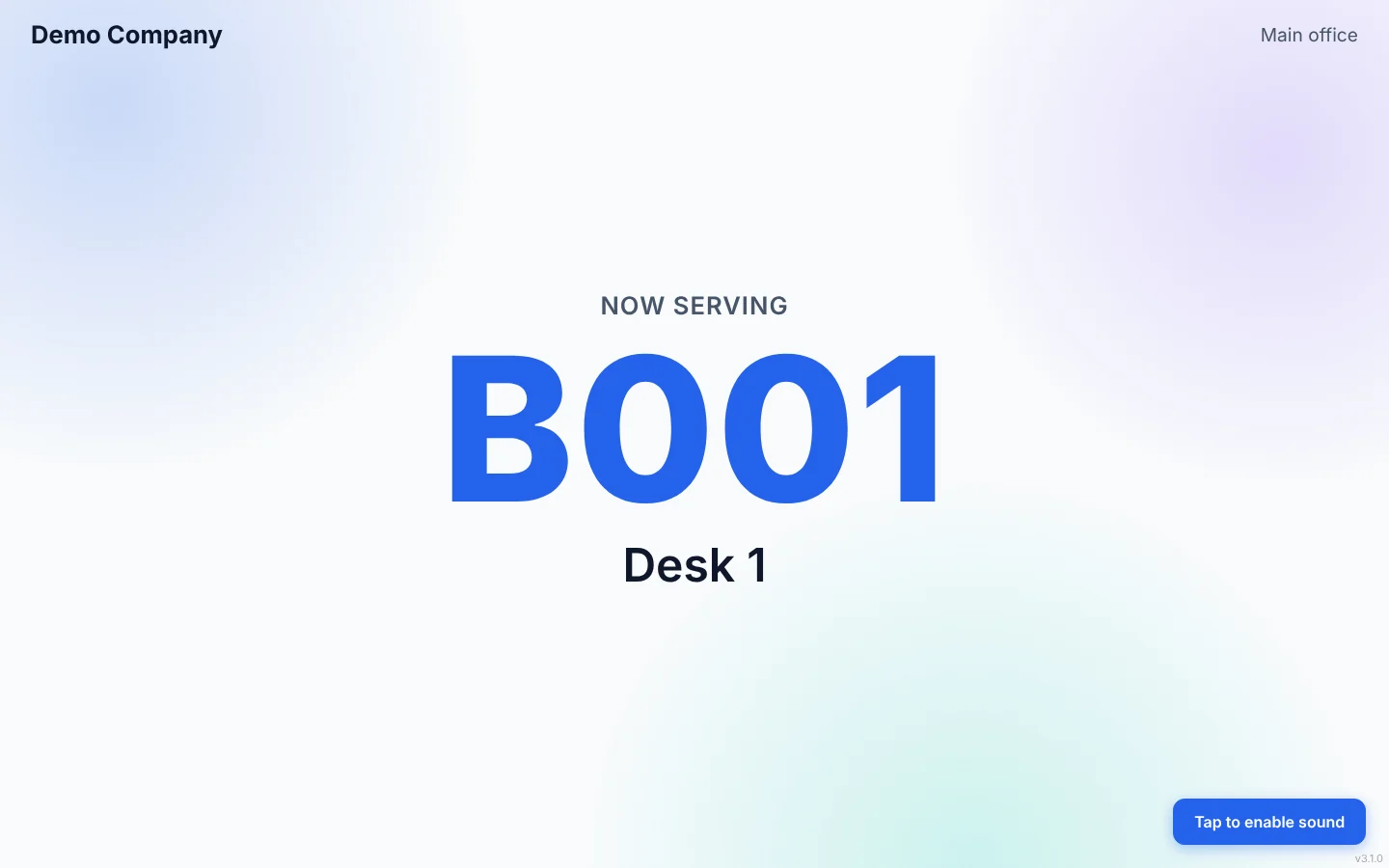
A big screen shows the number being served and the desk to go to, with sound.
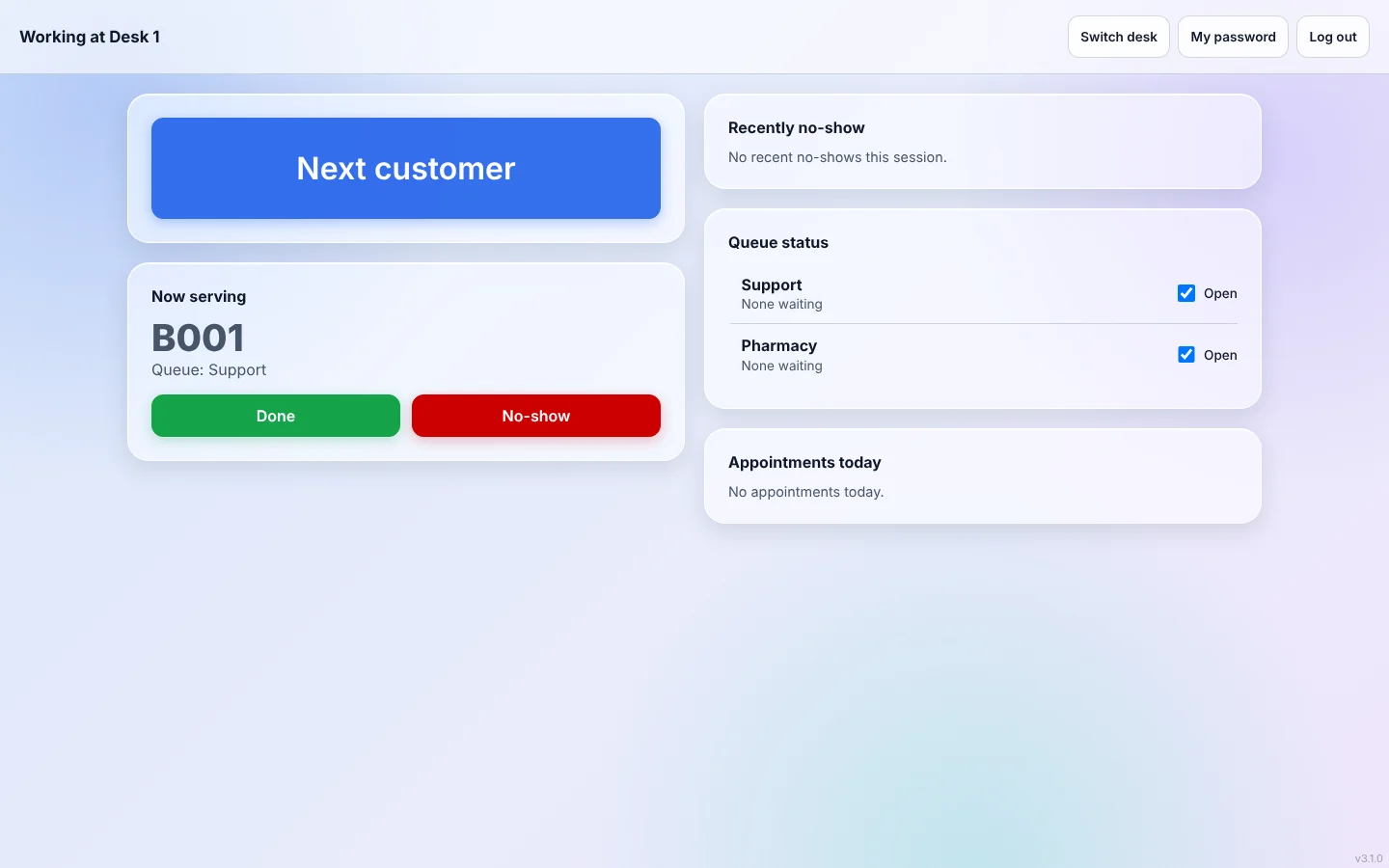
Next customer, done or no-show, with one tap, and the status of every queue on the side.
Open and close queues, and let each desk serve the queues it handles.
Let customers book a time instead of waiting in line.
Bisano Queue screens
Getting started
Name your queues and desks, and set opening hours.
Any touch screen or tablet works as a kiosk, and any screen as the display.
Staff call the next customer from the desk screen.
Bisano Queue
Prices exclude VAT. No hidden fees, no long sales process.
Everything in Bisano Queue
Contact us
Price on request
Contact us
Price on request
Contact us
Questions
No. They take a ticket at the kiosk, or scan its QR code to follow the ticket on their own phone.
Any touch screen or tablet as the kiosk, and any screen as the waiting room display.
Contact sales and tell us how many desks and sites you have.
More from Bisano
Store receiving, stock checks and in-store picking for web orders.
Minibar, damage and lost-and-found reporting for housekeeping.
Touch kiosks for orders, check-in and information screens.
Ready when you are
Start a free trial, or tell us what you need and we'll get back to you within one working day.
Keep an eye on your inbox (and the spam folder, just in case).