 bisano
Standard
Everything in Bisano Labels
Contact us
- Shelf, product and discount labels
- Labels that follow the goods
- Visitor badges and parcel labels
- Barcodes and QR codes
Label design and printing
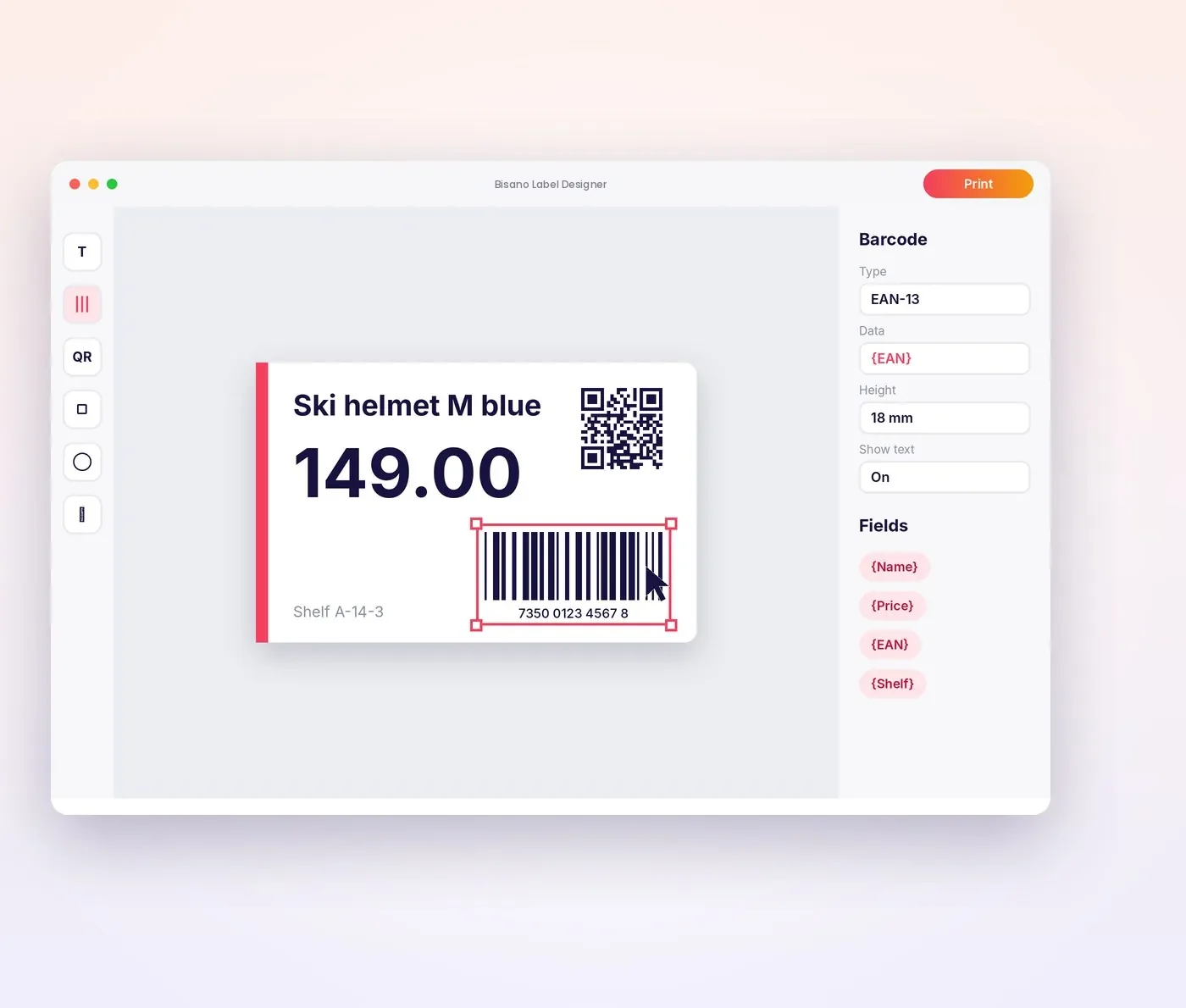
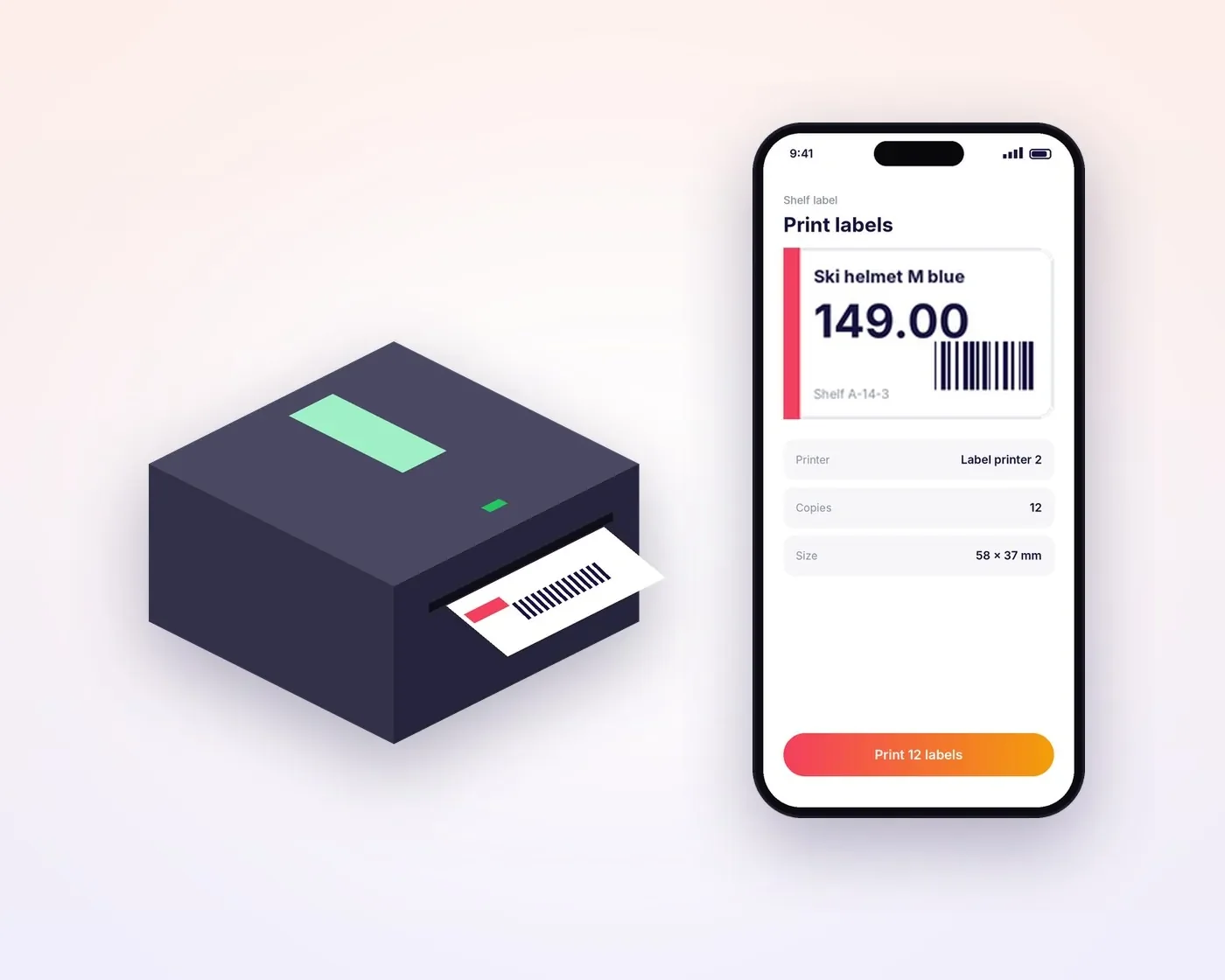
Design labels visually in the Bisano label designer and print them from any Bisano app, on any label printer. Shelf labels, price labels, product labels, shipping labels and visitor badges, all filled with your own data.
Contact sales for a price · Free trial
What it does
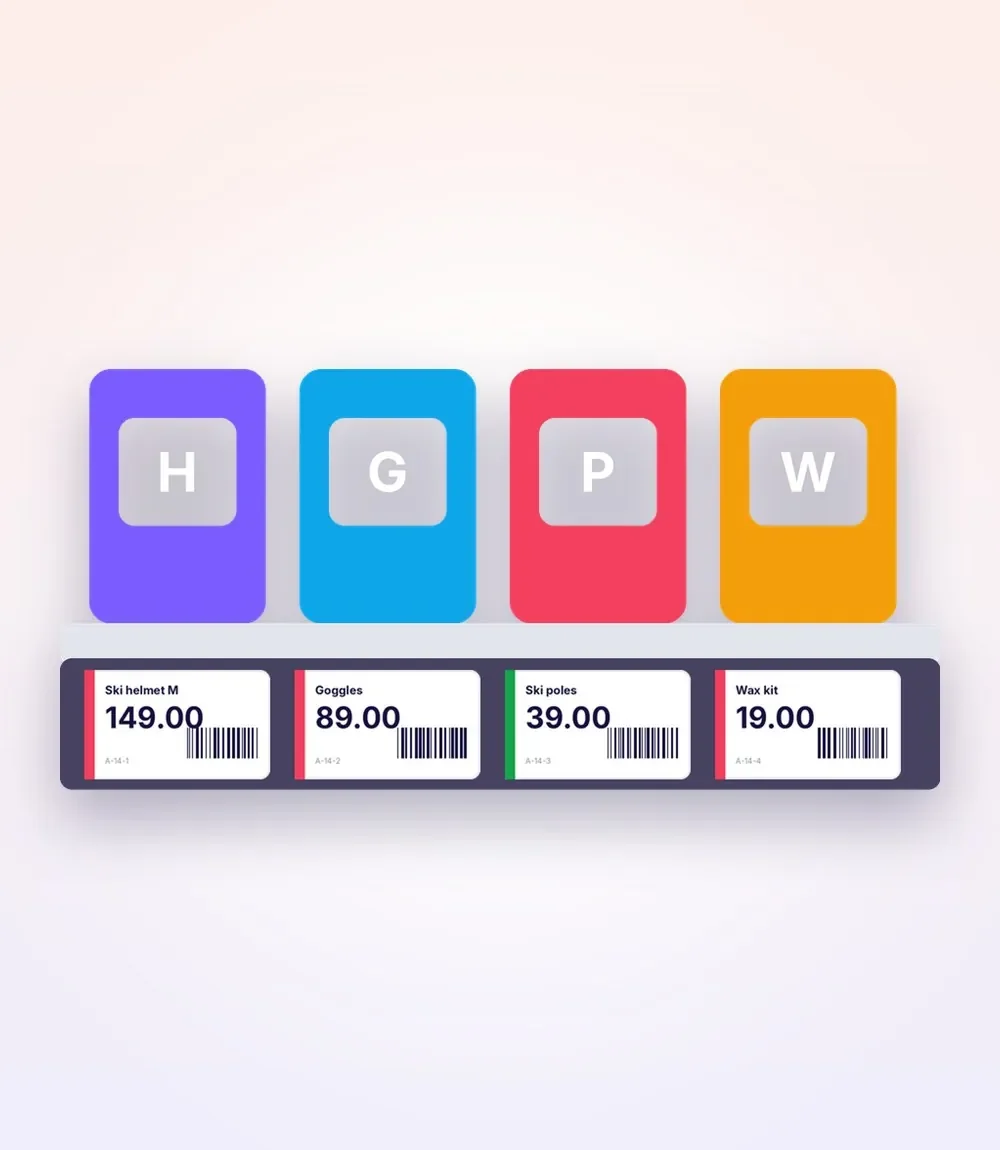
Print shelf, product or discount labels straight from the Bisano apps. Check cost, price and margin in the app before you print a discount price.
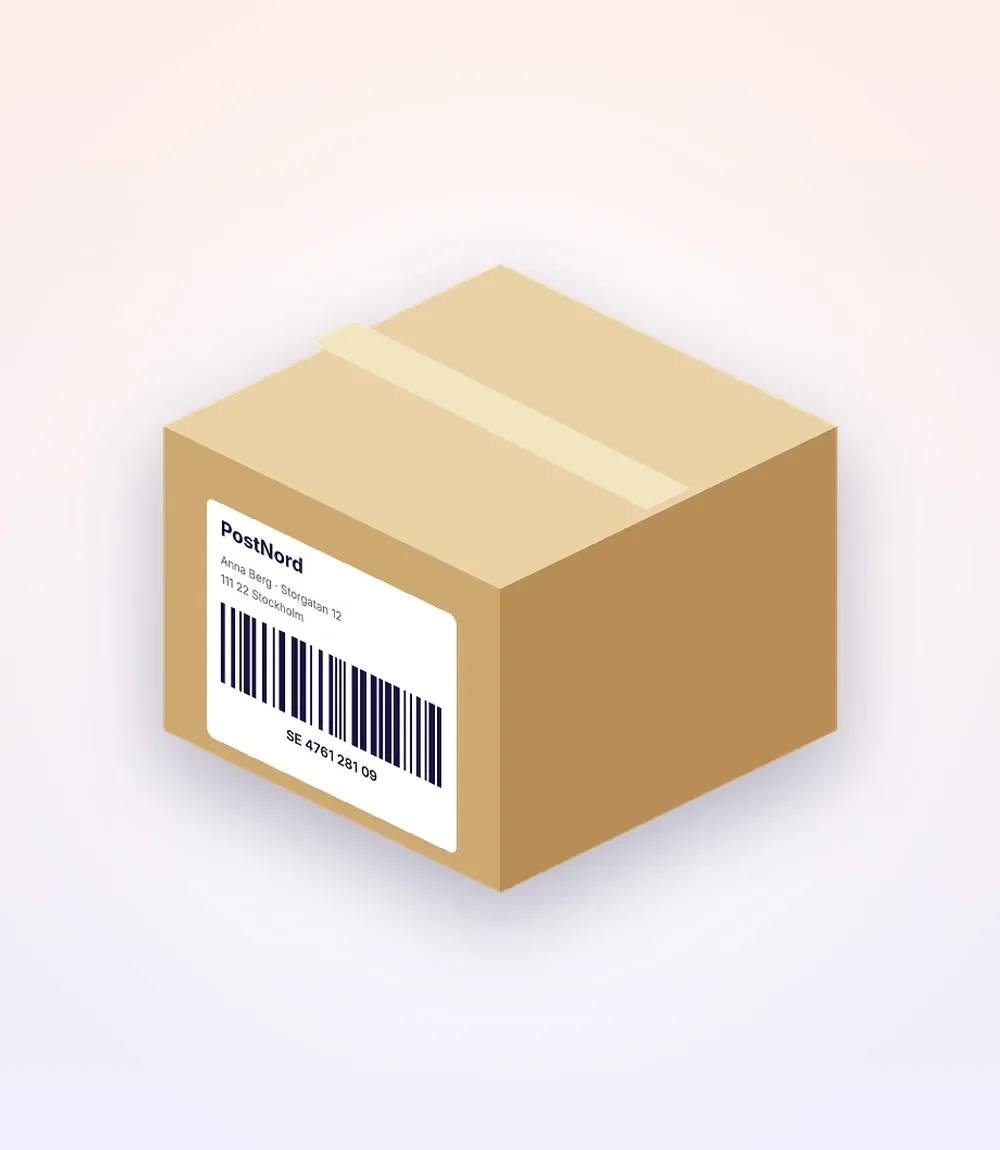
Print box labels when goods arrive and shipping labels when orders are packed, with the barcodes your carriers and your own scanners read.
Print paper or plastic visitor badges at reception, and labels that keep track of parcels delivered to your office.
Add barcodes and QR codes that scan straight back into your apps.
Fields fill in from your articles, orders, visitors or parcels.
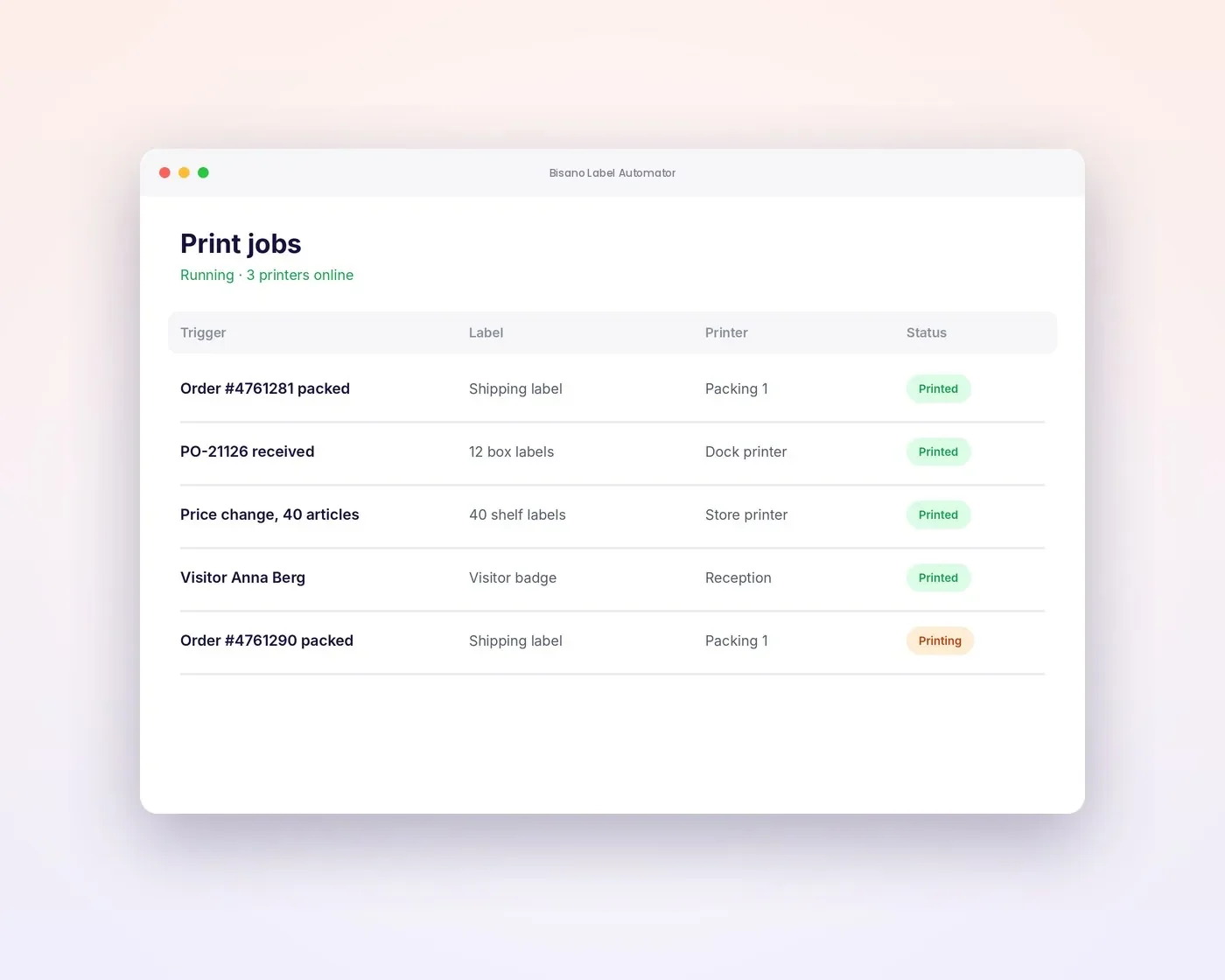
A print server prints on command: your apps send the job, and the right label comes out on the right printer.
Bisano Labels screens
Getting started
Drag and drop text, images, barcodes and data fields. No coding needed.
Phones, tablets, handhelds and PCs print the same label, on the label printers you already have.
Every printed barcode scans straight back into Bisano WMS, Retail and your other apps.
Bisano Labels
Prices exclude VAT. No hidden fees, no long sales process.
Everything in Bisano Labels
Contact us
Price on request
Contact us
Price on request
Contact us
Questions
Any label printer, including network printers. Users can change the IP address and port of a network printer themselves, right in the app.
No. Drag and drop text, images, barcodes, QR codes and data fields.
Yes. The print server prints on command: when an order is packed or goods arrive, the right label comes out on the right printer.
Every Bisano app, for example WMS, Retail, Visitor and Orders.
More from Bisano
Receiving, put-away, picking, packing and stock counts on handheld scanners.
Count stock with a phone, tablet or barcode scanner, offline or together in the cloud.
Order from suppliers, or take orders from customers, in a simple scanning app.
Ready when you are
Start a free trial, or tell us what you need and we'll get back to you within one working day.
Keep an eye on your inbox (and the spam folder, just in case).